A library of your own
Keep selected photos and videos in Glint, separate from the everyday camera roll. Browse full-screen, play your videos, and save back to Photos only when you choose.
 EVENTIDE LABS
 Glint
PRIVATE MEDIA. PERSONAL EXPRESSION.
Your favorite photos and videos deserve a place of their own. Glint brings them into a private, beautifully organized library, with expressive galleries and the control to make it yours.
iPhone · iOS 26.0+ · Free download · In-app purchases
 DESIGNED BY EVENTIDE LABS
MADE FOR YOUR EVERYDAY
Keep selected photos and videos in Glint, separate from the everyday camera roll. Browse full-screen, play your videos, and save back to Photos only when you choose.
Import from Apple Photos, Files, your camera, or local Wi-Fi. Capture directly into Glint and choose the gallery where the moment belongs.
Create galleries and sub-galleries, pick covers, and arrange your media into meaningful collections. Favorites and library filters help you find the right shot again.
Use app locking and gallery locks to control access. Hidden-gallery rules keep private collections out of general views, with permission controls available in Settings.
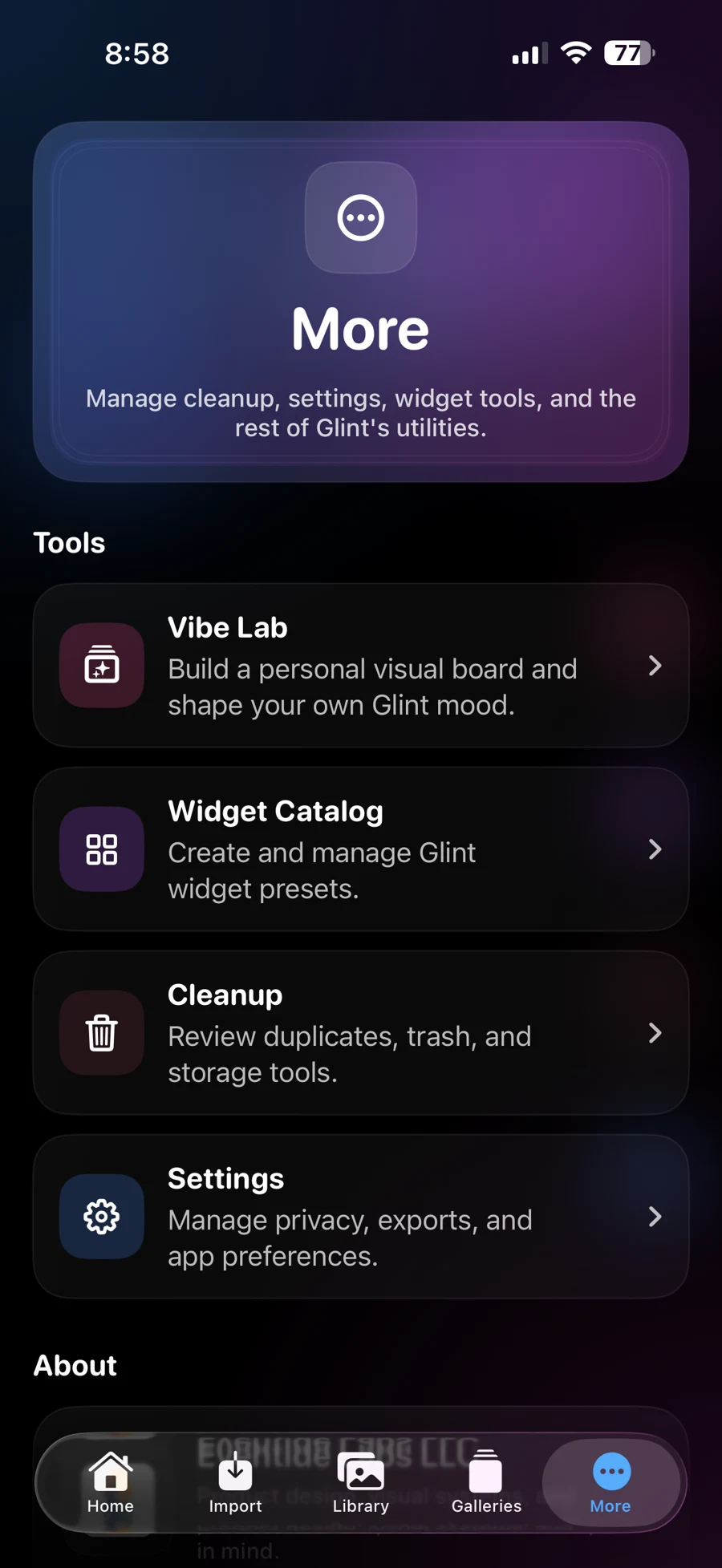
Build custom photo widgets with a chosen source and crop. Personalize the home experience in Vibe Lab to make your library feel like your own.
Review duplicates, inspect storage, and manage deleted media in Trash. Cleanup tools put the decisions in your hands so you can curate with care.
A CLOSER LOOK
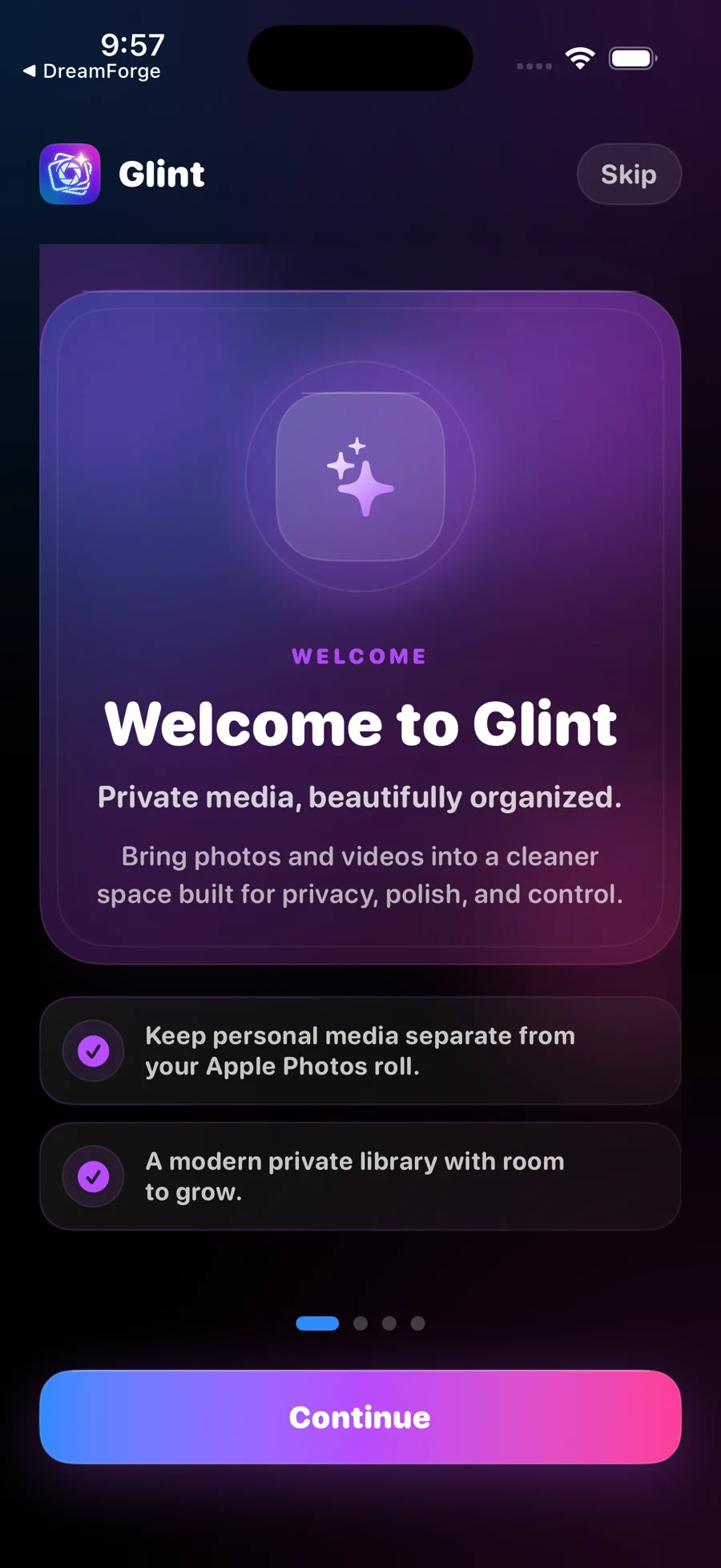
Explore the actual interface.
BEFORE YOU DOWNLOAD
Glint keeps a separate working library. You choose what to import, capture, export, or save back to Apple Photos; it does not move your entire camera roll automatically.
Use Apple Photos, Files, direct camera capture, or local Wi-Fi import. Wireless import lets another device send media while it can reach Glint on your local network.
Glint Media Studio is available for iPhone running iOS 26.0 or later. Check the App Store listing for current compatibility and availability.
Glint is free to download and offers an in-app subscription. The App Store and in-app purchase screen show current local pricing and the features included.