From a reference to a vision
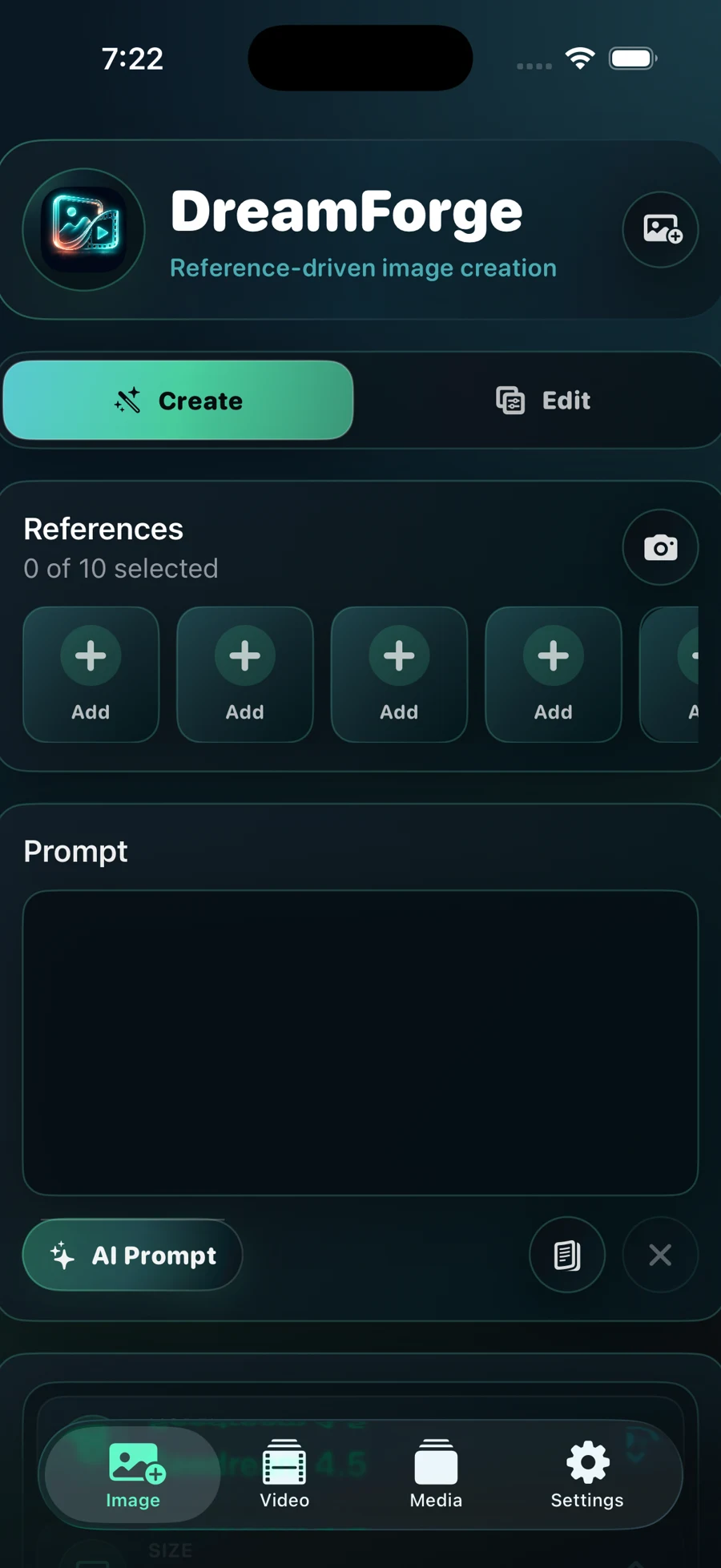
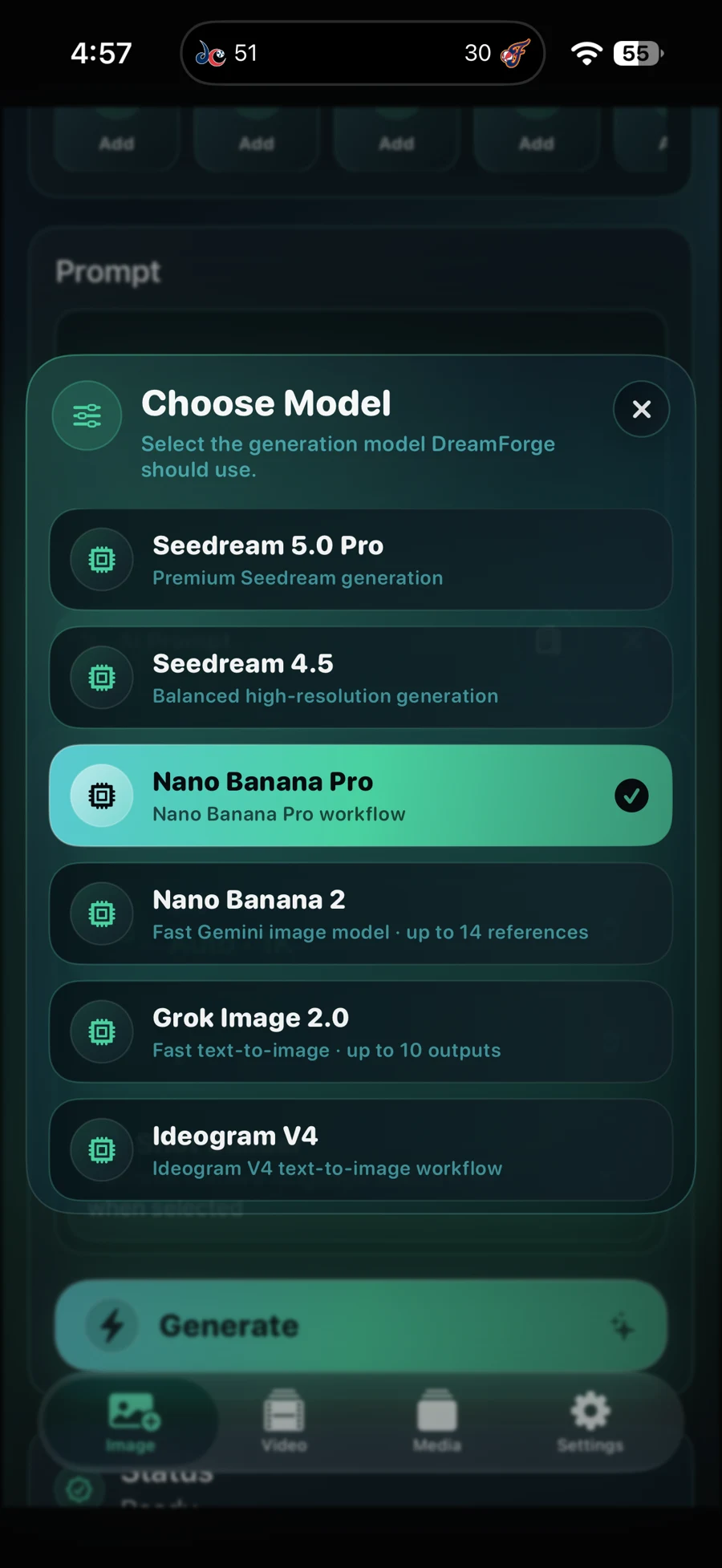
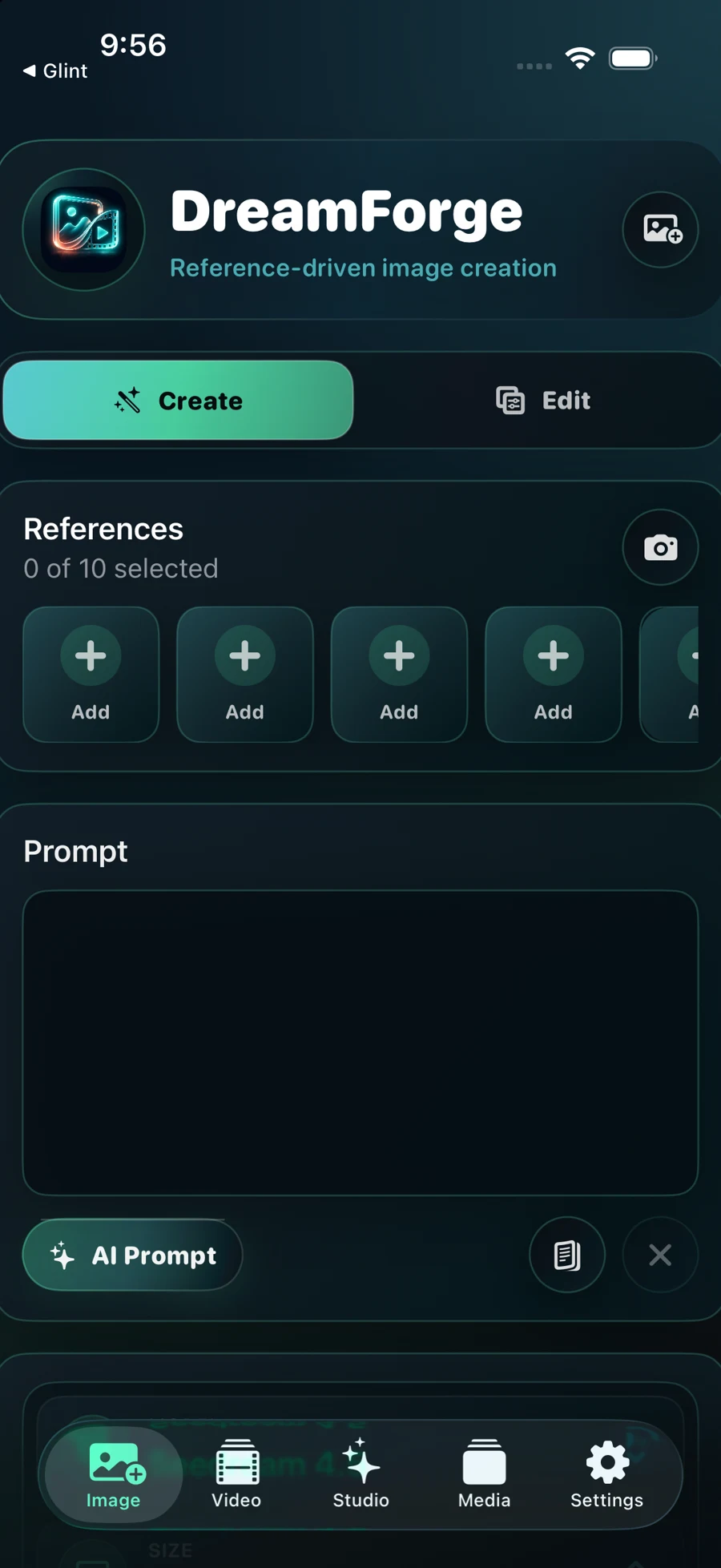
Start with a prompt, reference images, or a camera capture. Choose from nine supported image models, with output sizes, reference limits, and batch options tailored to each workflow.
 EVENTIDE LABS
 DreamForge
IMAGE + VIDEO STUDIO
An image, a scene, a story in motion. DreamForge Studio brings image and video creation to iPhone and iPad, connected to the ComfyUI server you choose.
iPhone + iPad · iOS / iPadOS 26.0+ · Free download · In-app purchases
 DESIGNED BY EVENTIDE LABS
MADE FOR YOUR EVERYDAY
Start with a prompt, reference images, or a camera capture. Choose from nine supported image models, with output sizes, reference limits, and batch options tailored to each workflow.
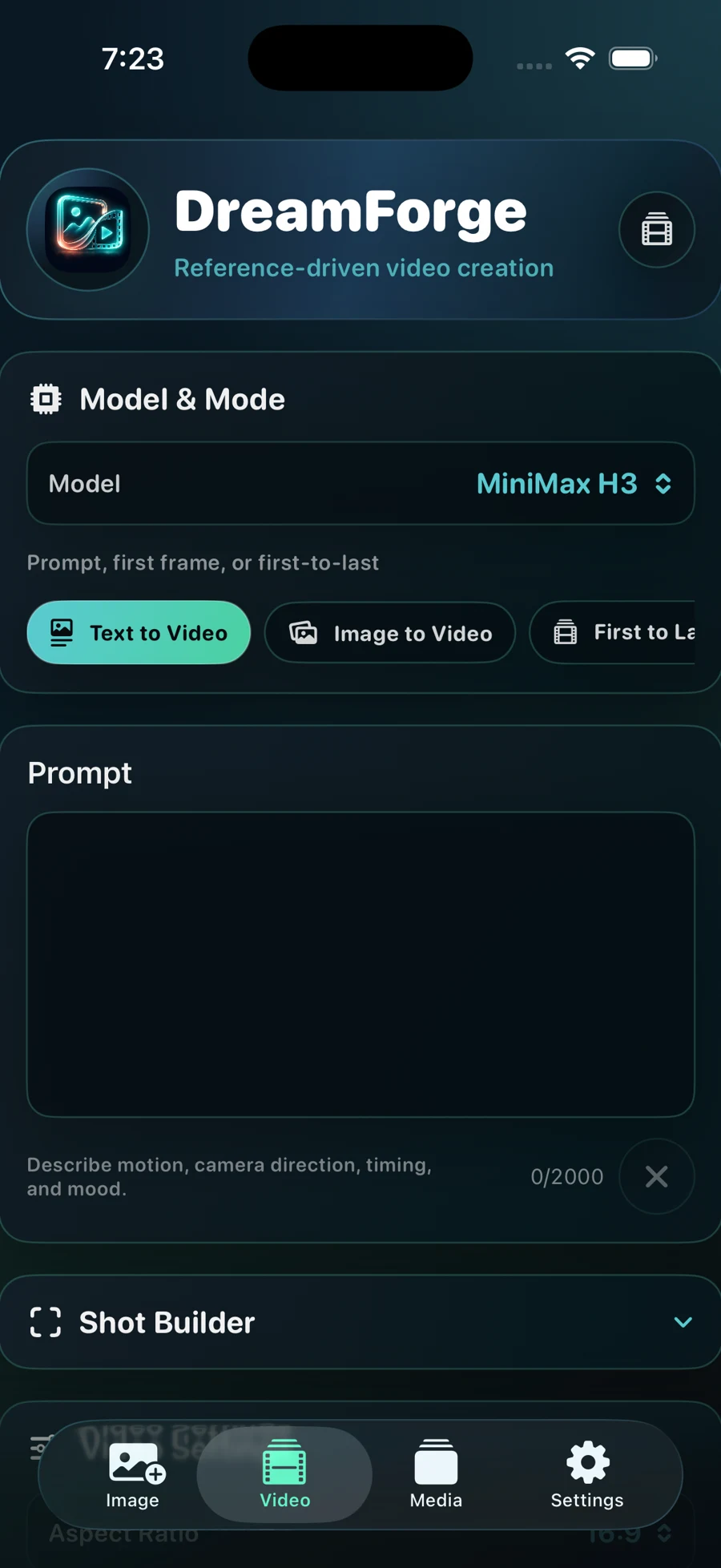
Create video from text, a still image, first and last frames, keyframes, reference media, video, or audio where supported. Available controls adapt to the model and generation mode.
Shot Builder helps shape framing, camera movement, focus, lens, lighting, pose, and expression. Give an image or sequence a deliberate visual direction before you generate.
Move into image editing for creative or precise upscaling, relighting, style transfer, skin enhancement, and background removal. Each tool uses a compatible ComfyUI workflow.
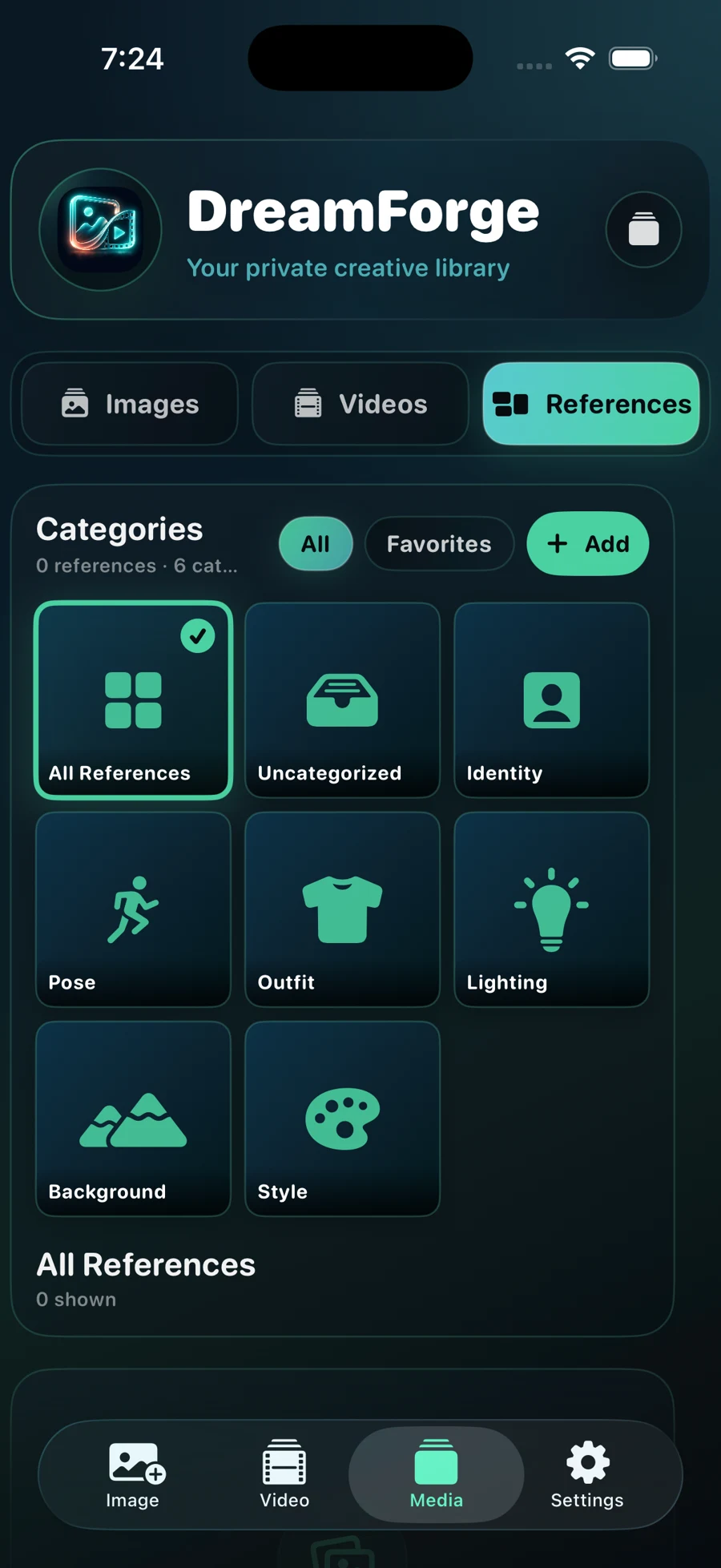
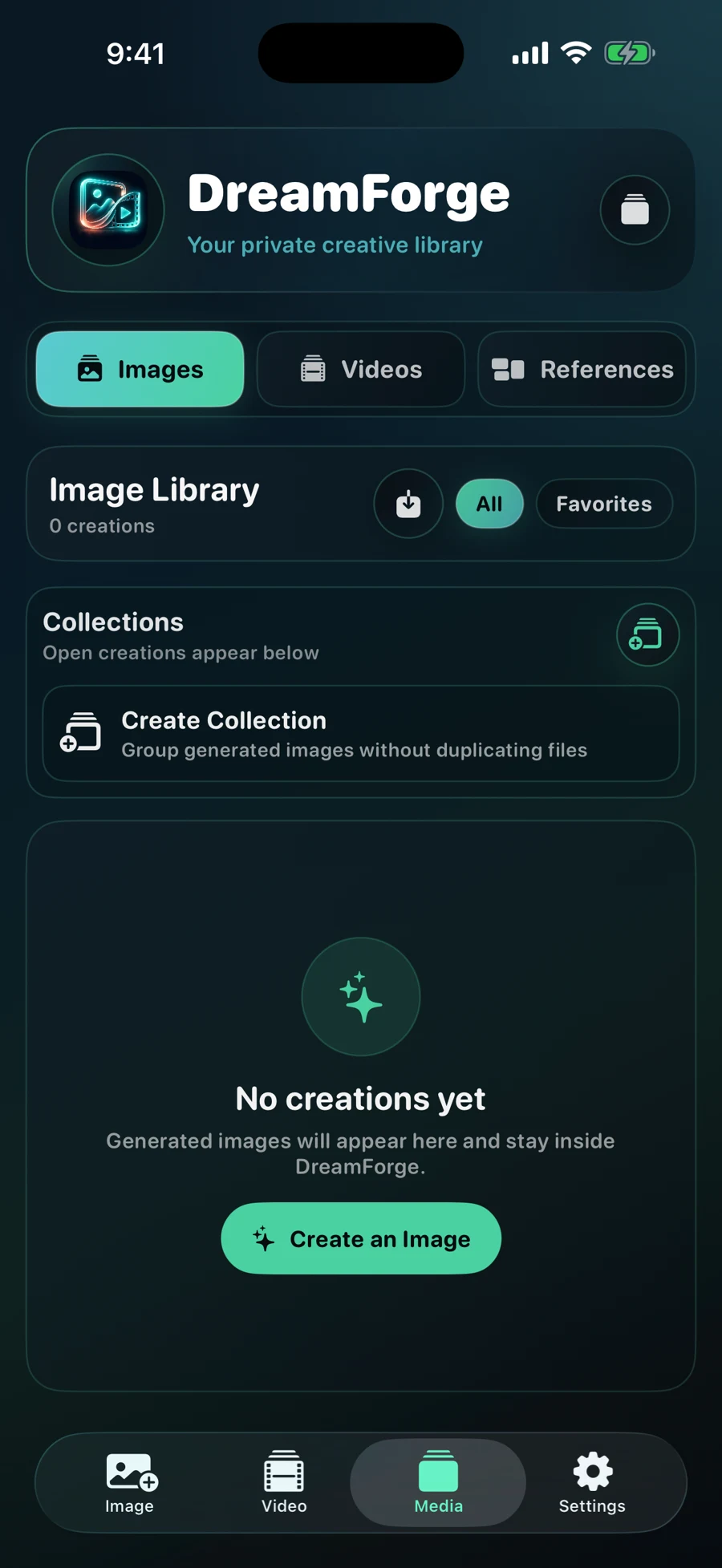
Keep images, videos, and reusable references together. Organize Reference Boards by visual category, build collections, mark favorites, and preview horizontal video in landscape.
Discover ComfyUI on local Wi-Fi or connect over a configured private network. See Comfy credit status, estimated costs for supported jobs, and recover outputs that finish after the normal wait.
A CLOSER LOOK
Explore the actual interface.
BEFORE YOU DOWNLOAD
Yes. DreamForge is a client for a compatible ComfyUI server running on your Mac, PC, or another machine. The server does the generation work and needs the workflows, nodes, and provider access required by the tools you use.
Yes, when your phone or tablet can reach your server through a properly configured private connection such as Tailscale or another supported VPN route. Local Wi-Fi discovery is available when you are on the same network.
Pro unlocks applicable app features. Server hosting, hardware, Comfy credits, and third-party provider charges are separate. Current subscription pricing appears in the App Store and inside the app.
Creations and references are kept in the app’s local library unless you export them. When you generate or edit, selected prompts and media are sent to your configured ComfyUI server and, where the workflow requires it, its external providers.
Visit DreamForge for Mac or DreamForge for iPhone and iPad for platform details. The mobile App Store link is provided above.