ReelHouse Privacy Policy
Effective November 19, 2026
Eventide Labs LLC (“Eventide Labs,” “we,” “us”) develops ReelHouse, an independent Jellyfin client for Apple TV. This policy describes information handled by ReelHouse, this product page, and our support channels. Your Jellyfin server is separate from Eventide Labs, and its operator controls its accounts, content, and server records.
What goes to your Jellyfin server
ReelHouse connects to the server you select to sign in, obtain account permissions, browse and search libraries, retrieve artwork and media, and play content. Requests can include your username and password during manual sign-in, a session token, an installation identifier, the app name/version and device type, library or search requests, and playback information such as media identifiers, position, selected tracks, and session status. Actions such as favorites and watched-state changes are also sent to your server. The server and its network infrastructure can see your network address and request information.
Eventide Labs does not receive or host your Jellyfin library, sign-in password, server token, or viewing history through the normal operation of the app. ReelHouse contains no advertising, developer analytics, or advertising-tracking SDK. Your server operator and any services it uses may process information under their own practices. Ask that operator about server logs, backups, retention, and deletion.
Credentials and information on your Apple TV
Your server address, server and account identifiers, username, session token, and installation identifier are stored in Apple Keychain. The app uses non-synchronizing, device-only Keychain entries; it does not sync these credentials through iCloud Keychain. Passwords are used for sign-in and are not saved by ReelHouse.
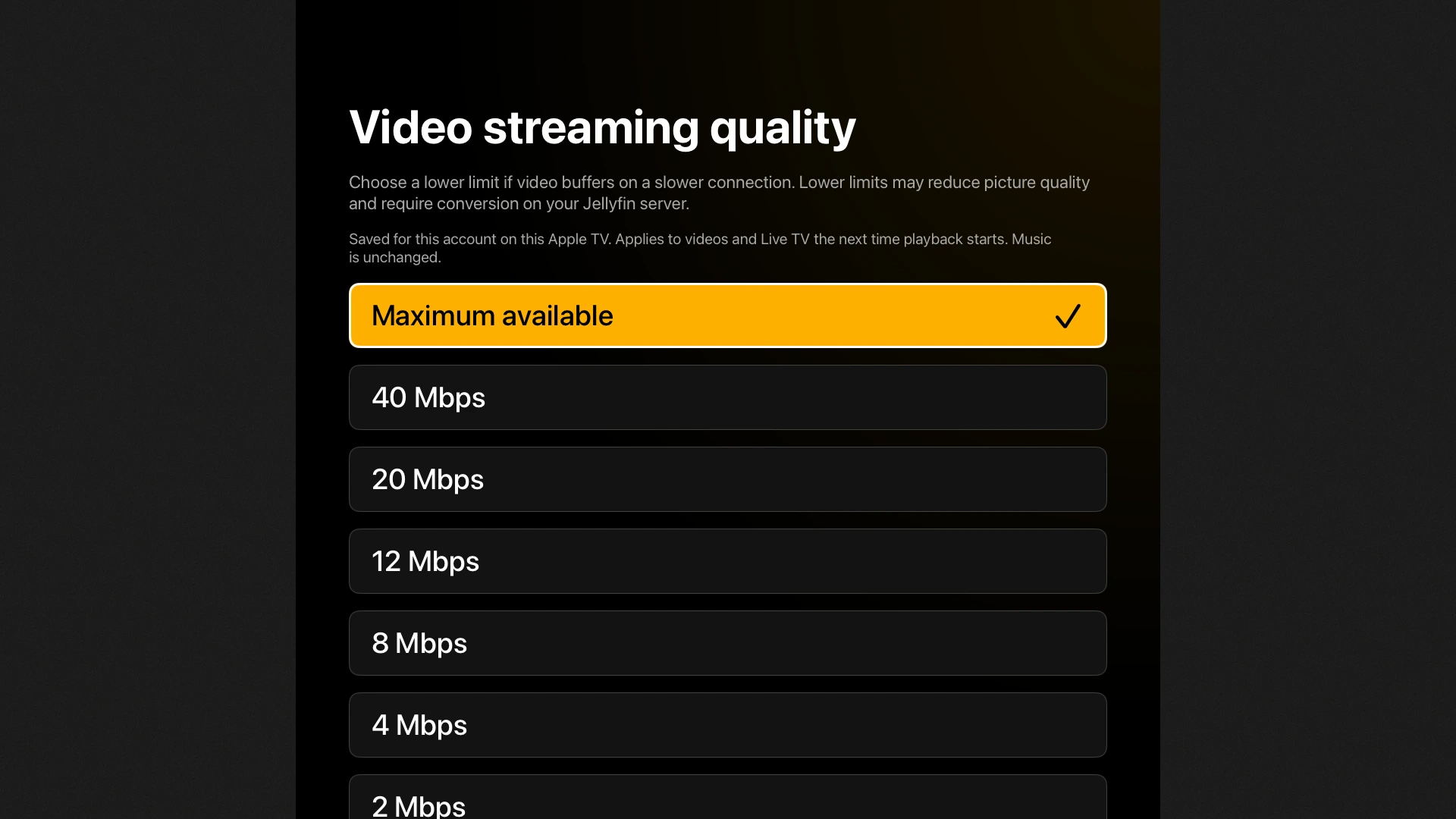
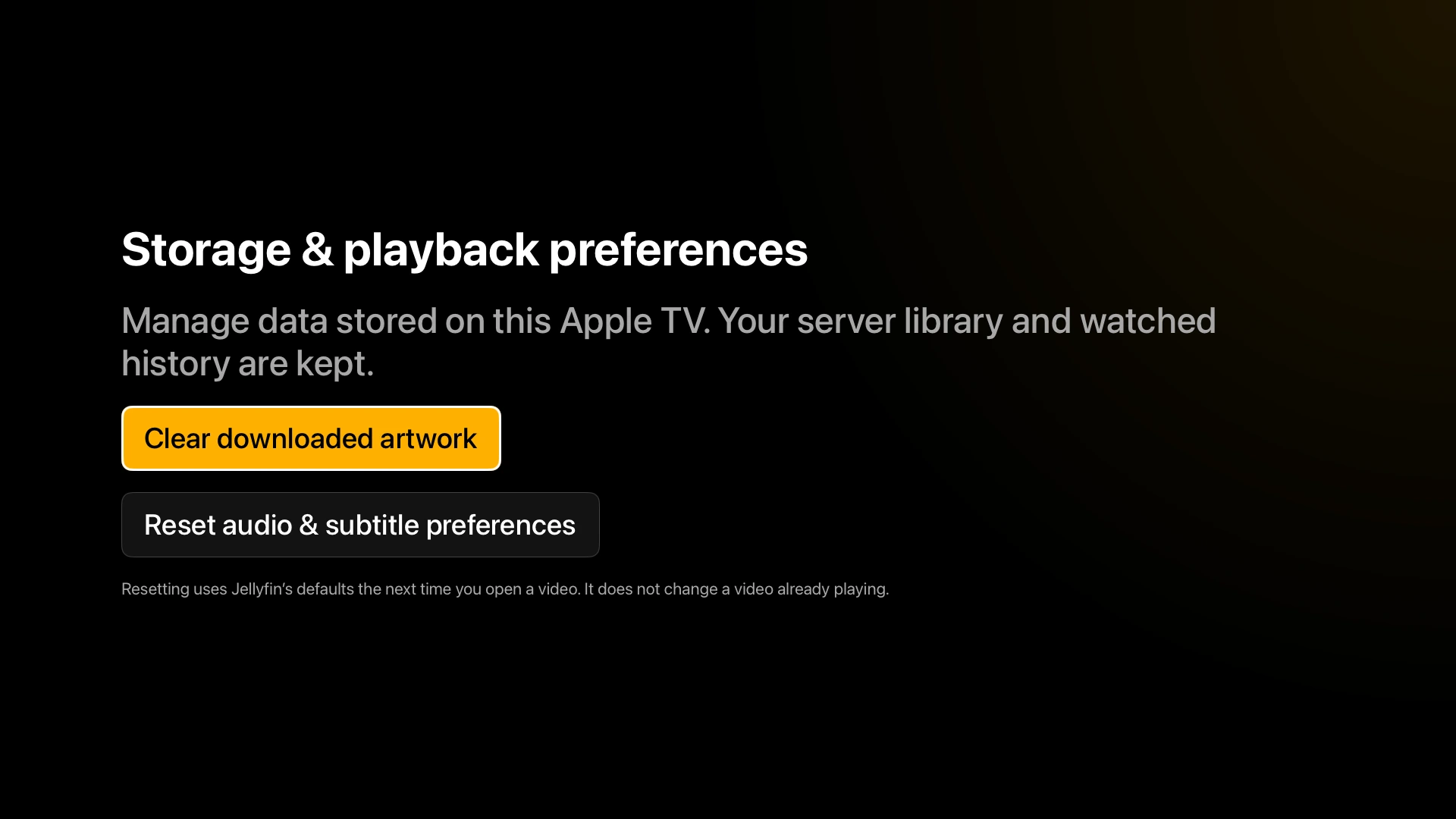
ReelHouse stores artwork and downsampled photo previews in local caches. Settings, account-specific audio/subtitle choices, video quality, showcase preferences, and recent playback checkpoints may also be stored locally. These support browsing, playback, and resume. The app does not implement its own cloud synchronization of these local preferences; Jellyfin handles server-side history and favorites. Apple’s device storage, backup, and diagnostic services are governed separately by Apple.
Network discovery and sign-in
With local-network access, ReelHouse can look for nearby Jellyfin servers and connect to the one you choose. Discovery does not send your sign-in credentials to every candidate address. Jellyfin Quick Connect uses a temporary approval code and server approval flow; the challenge secret is held in memory while approval is pending.
Use a trusted local network. An HTTP connection is not encrypted; the app supports local HTTP and requires HTTPS for remote server addresses. Standard HTTPS certificate checks apply.
Playback and personal media
Playback status and positions are sent to your selected server to support its playback sessions and viewing history. Native playback can use a temporary in-memory streaming URL containing your server token; do not share such URLs. Viewing a still photo does not update watch history.
Apple TV Home Screen showcase
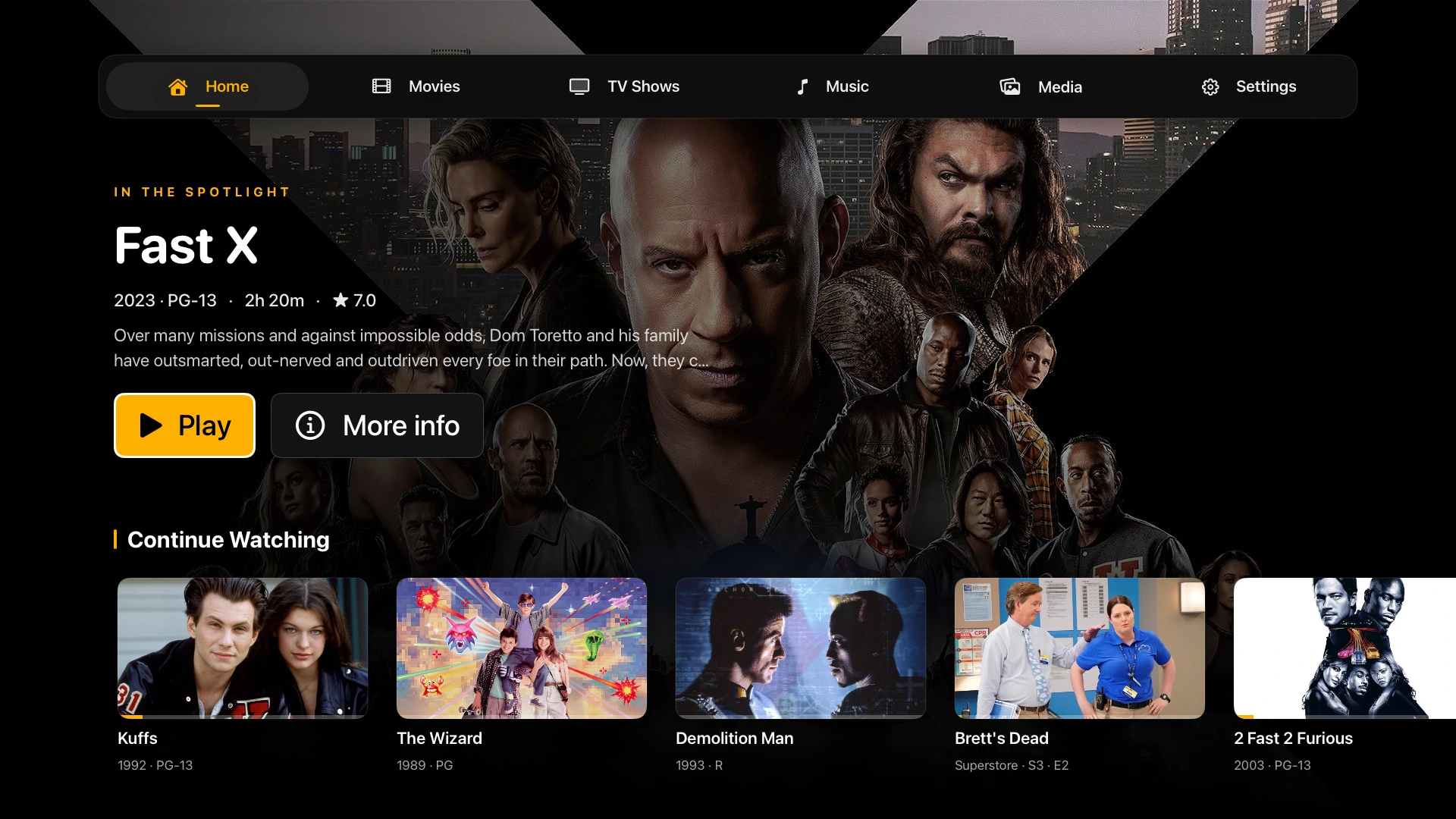
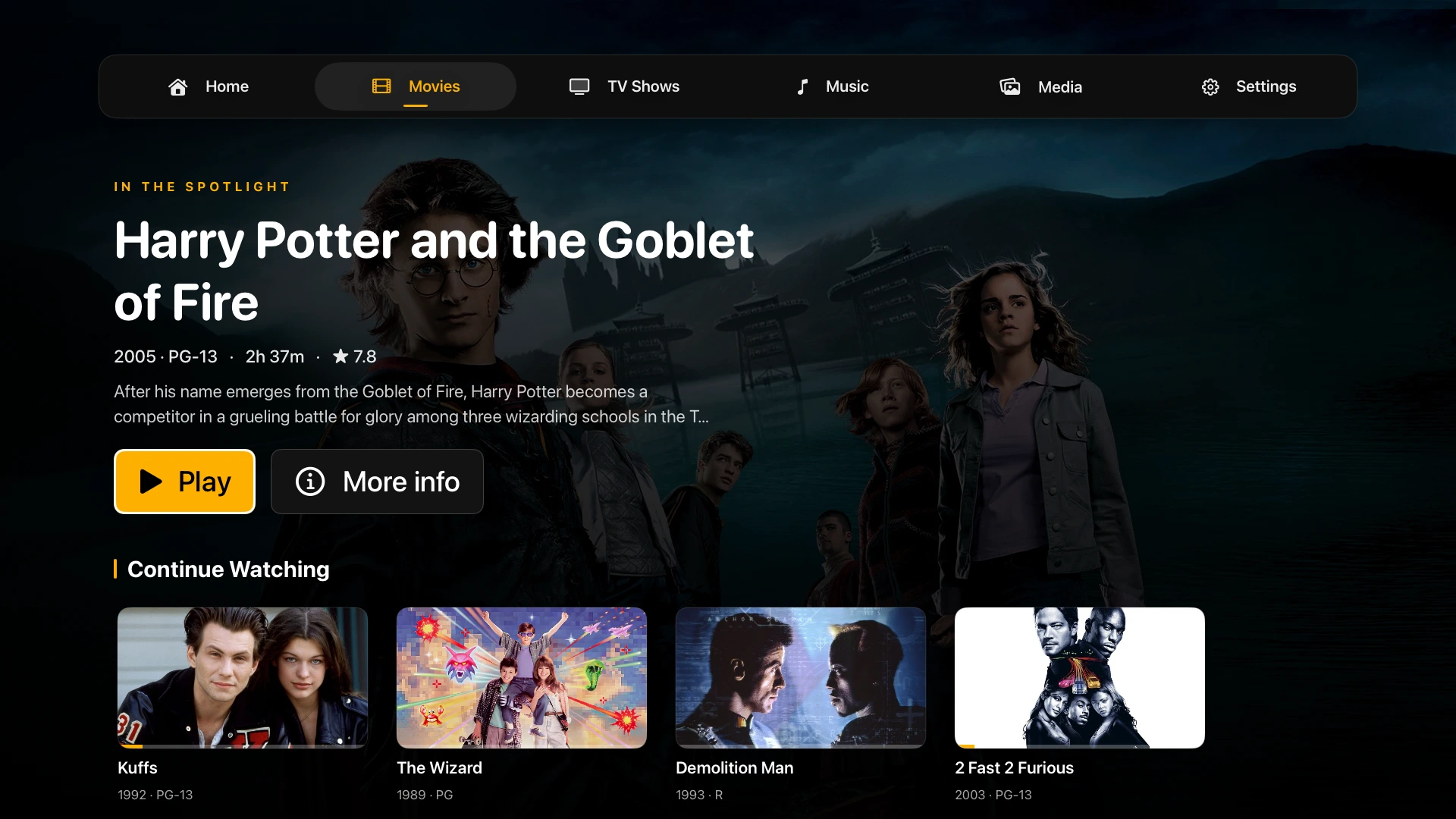
When permitted, the Top Shelf showcase is enabled by default. It stores a local snapshot of movie or episode titles, summaries, artwork, and navigation references in storage shared with ReelHouse’s Top Shelf extension. This content can appear on the Apple TV Home Screen and be seen by anyone using that TV. Personal photos and home videos are excluded. You can disable the showcase in Settings, which clears its cached snapshot. Signing out also clears the snapshot.
Support, this website, and Apple services
If you email us, we receive your email address, message, and any attachments or device details you choose to include. We use that information to answer you, troubleshoot, and maintain necessary support and business records. Please do not send credentials, private media, or other unnecessary sensitive information. Email and hosting providers process information needed to deliver those services.
This ReelHouse page does not embed advertising, analytics, external fonts, or tracking scripts, and does not set application cookies or local-storage identifiers. The hosting service may process ordinary request logs, including IP address, browser information, requested paths, and timestamps, for delivery, security, and troubleshooting. External links and email links are subject to the destination service’s practices.
Apple handles App Store downloads and any App Store payment processing under its own policies. Eventide Labs does not receive your full payment-card details or Apple ID password. Apple may make sales, transaction, or diagnostic information available through its developer services, depending on platform settings and the services used. See Apple’s privacy information.
Sharing and retention
We do not sell personal information. We may disclose support or business information to service providers needed to operate those services, to comply with legal obligations, or to protect rights and security. Media and requests sent to your server are processed at your direction, and are not a transfer of your library to Eventide Labs.
Local caches may be cleared by you, by ReelHouse, or by the operating system. Sign-out removes the saved session, local resume/account context, account image cache, and Top Shelf snapshot, and requests token revocation from your server. If the server cannot confirm revocation, remove the device/session through Jellyfin. Track, quality, and showcase preferences may remain locally, and the installation identifier is retained in Keychain. Uninstalling does not guarantee deletion of Keychain records. Server-side favorites, history, copies, and backups are not deleted by signing out.
Support correspondence is retained as reasonably needed to resolve requests, maintain necessary business records, address disputes, and meet legal obligations. You may request deletion of information you sent us. We cannot delete information held only on your Apple TV, Jellyfin server, or another provider’s systems.
Your choices and requests
You can manage local-network permission through system settings, clear artwork and reset track choices in ReelHouse, disable the showcase, and sign out. Contact privacy@eventide-labs.com to request access, correction, or deletion of personal information you provided to Eventide Labs. Rights and exceptions depend on applicable law; we may need to verify your request. Direct server-account requests to your Jellyfin administrator.
Children and changes
ReelHouse is not directed to children under 13, and Eventide Labs does not knowingly collect their personal information through support. A parent or guardian may contact us to request deletion of information a child supplied. A server administrator is responsible for configuring appropriate library access for household users.
We may update this policy as the app or our practices change. Updates will appear here with a revised date, with additional notice where required. Privacy questions: privacy@eventide-labs.com, Eventide Labs LLC.
Back to legal overview